
Loading Screen
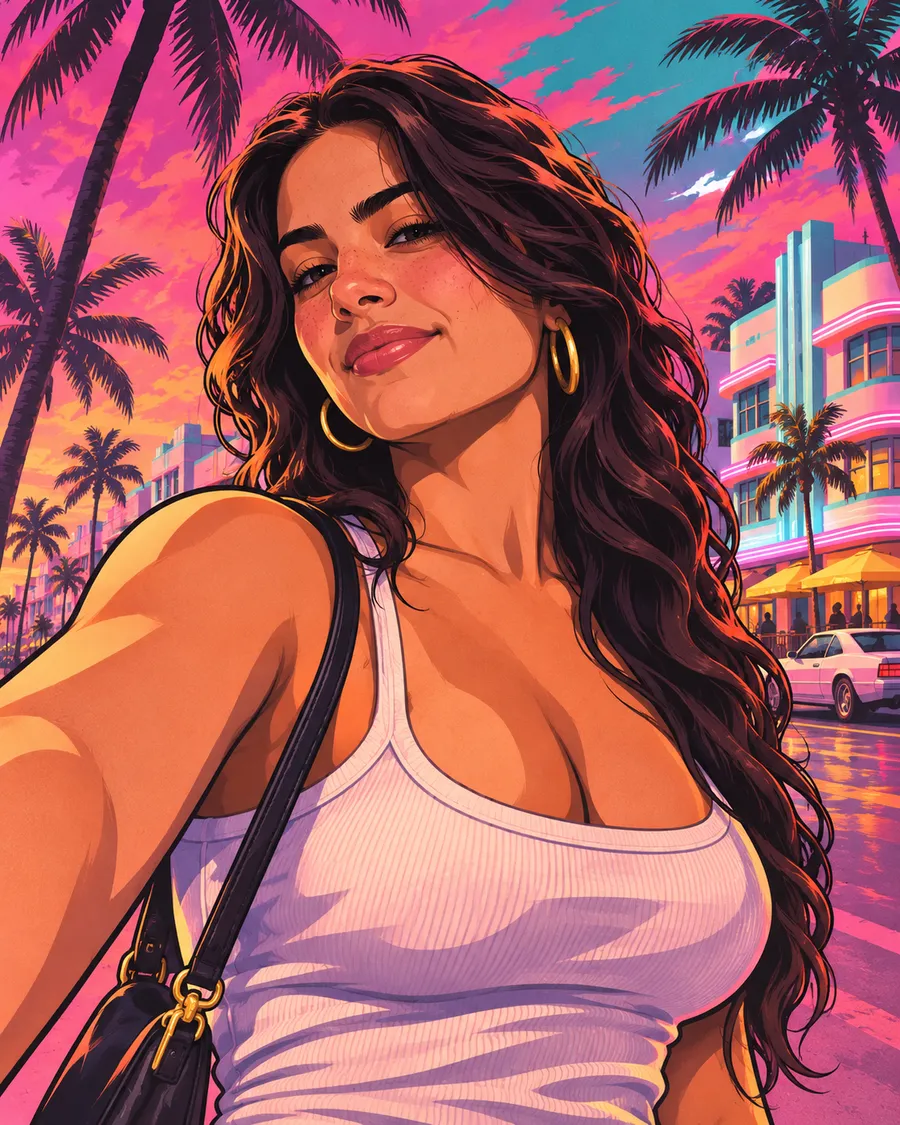
The classic hand-painted GTA loading-screen portrait: bold ink outlines, cel shading and a Vice City sunset behind you.
AI GTA 6 filter · photos & videos
Upload a photo and our AI repaints you as GTA 6 loading-screen art, cover art or a Vice City poster — then turns it into a GTA 6 trailer-style video. No editing skills, ready in under a minute.
1. Upload your photo
2. Choose a GTA VI style
Your GTA 6 artwork will appear here. Upload a photo, pick a style and hit generate.
Before & after
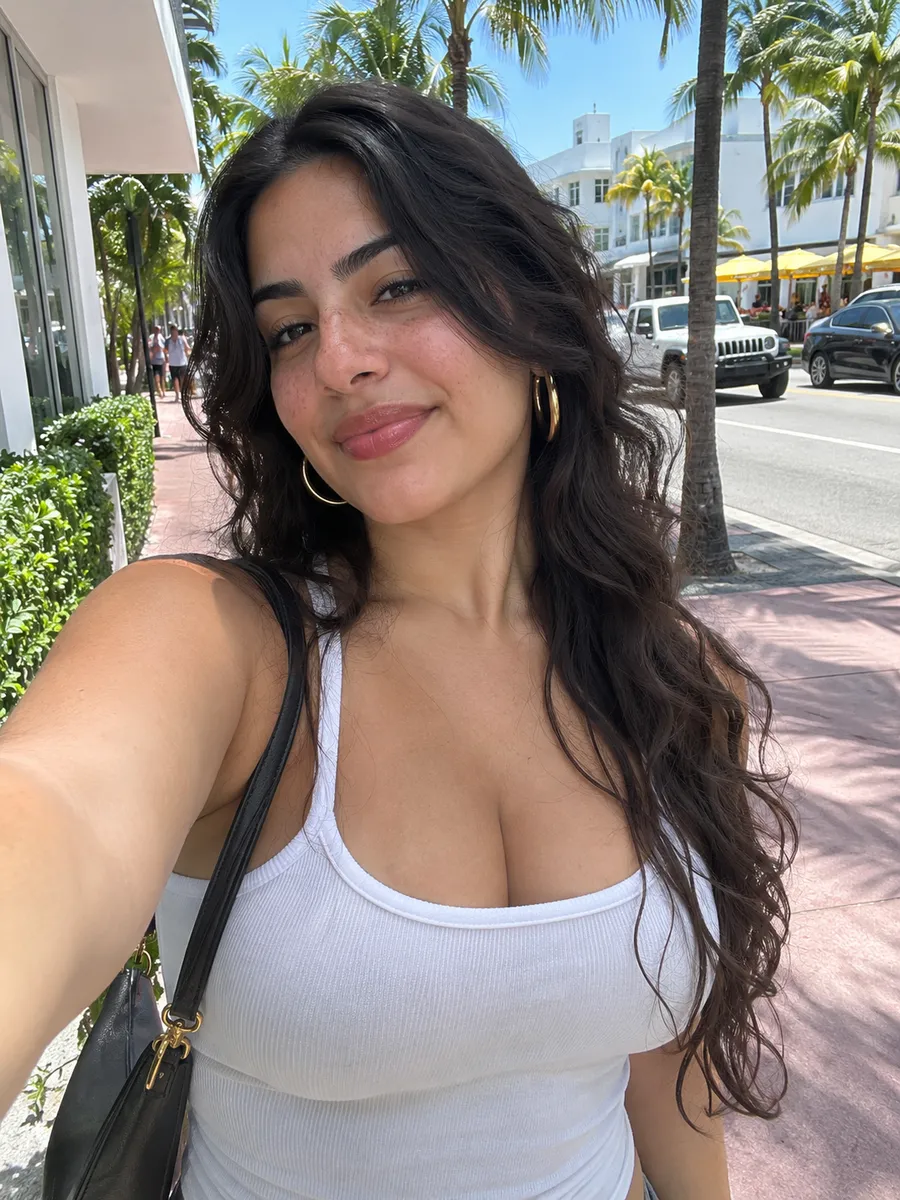
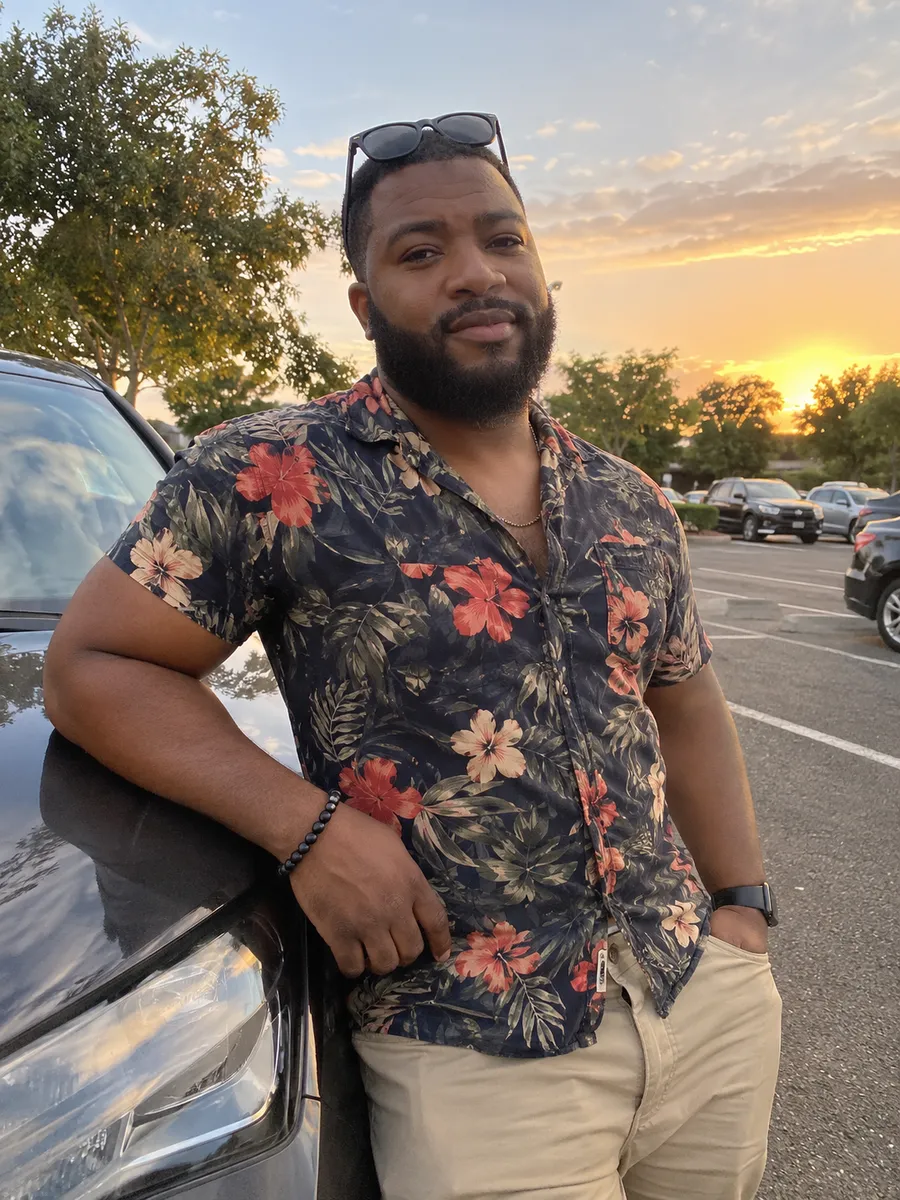
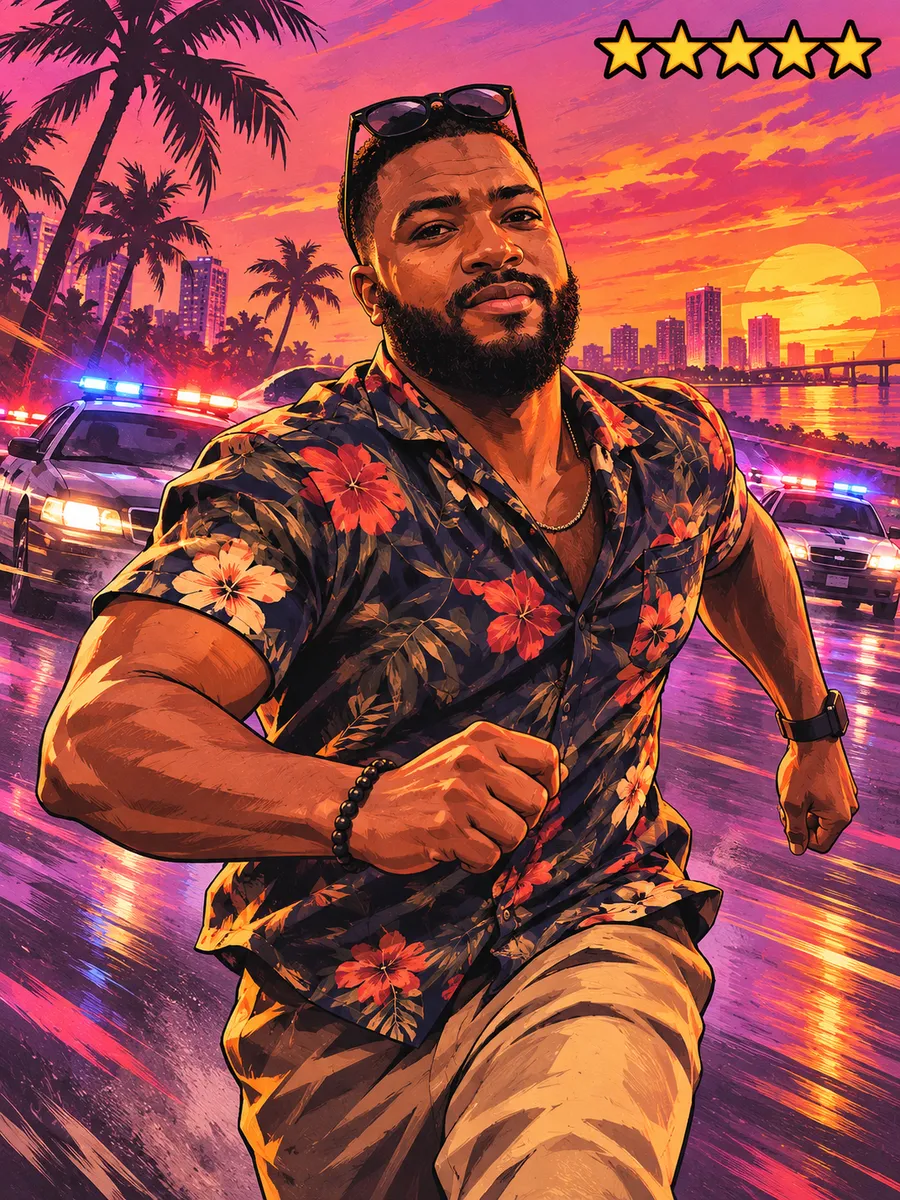
Same face, same outfit — repainted in the hand-drawn style of GTA VI promotional art.
 BeforeAfter
 Before
 After
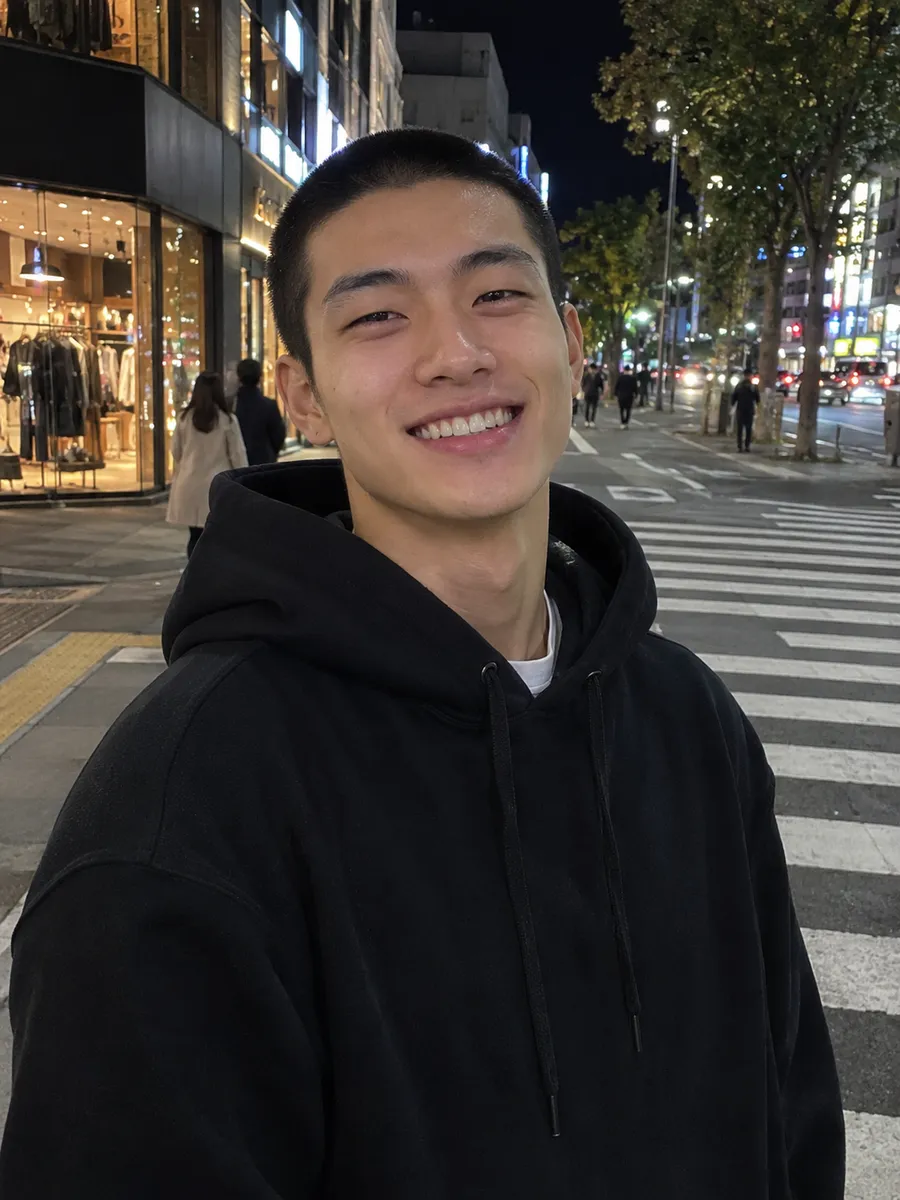 Before
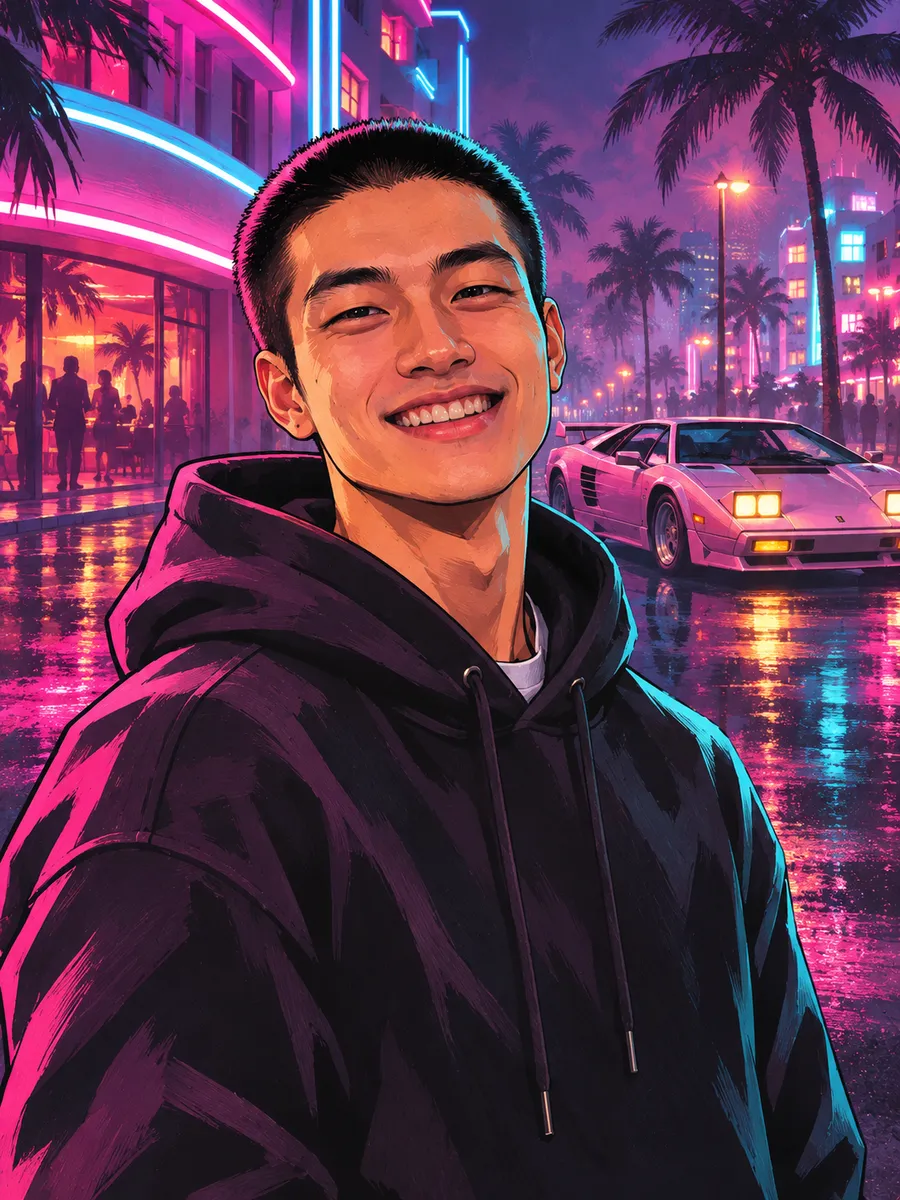 After
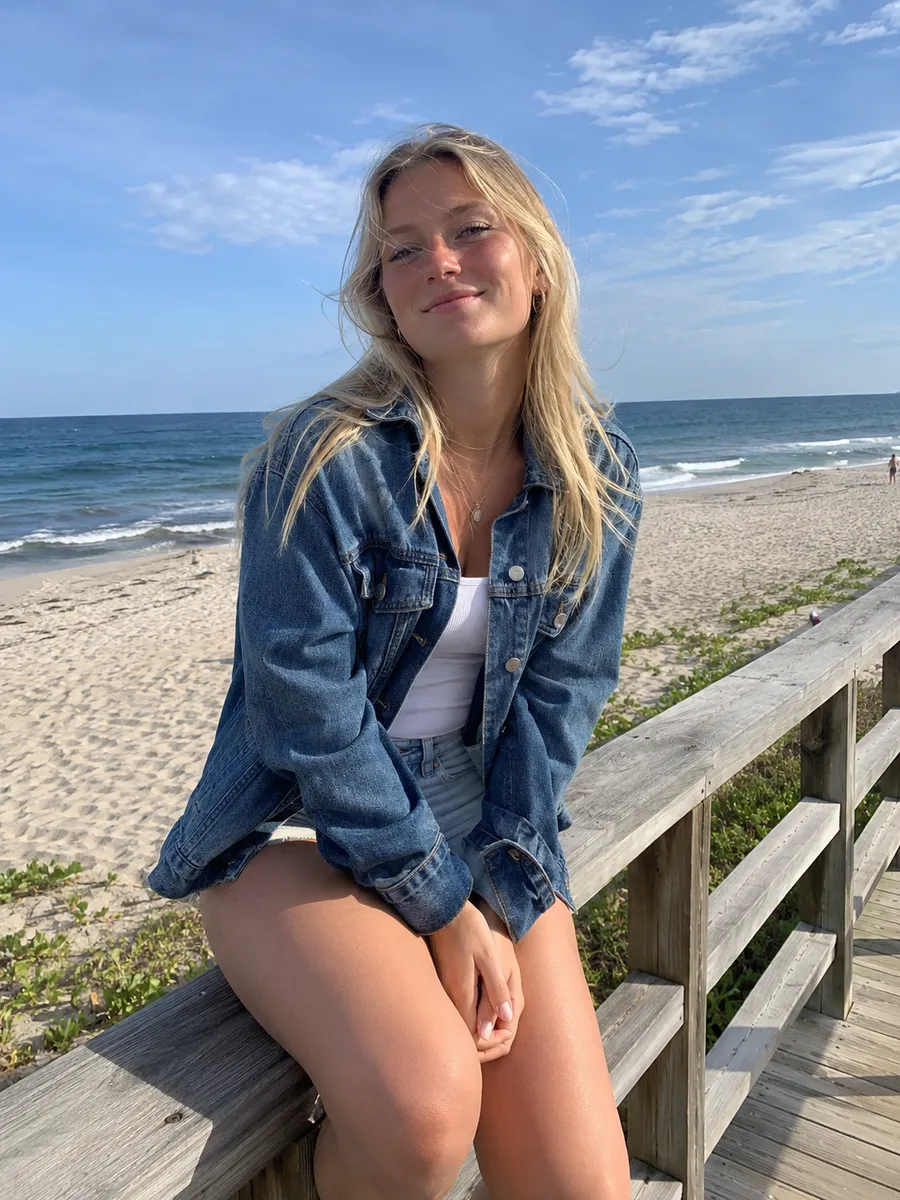 Before
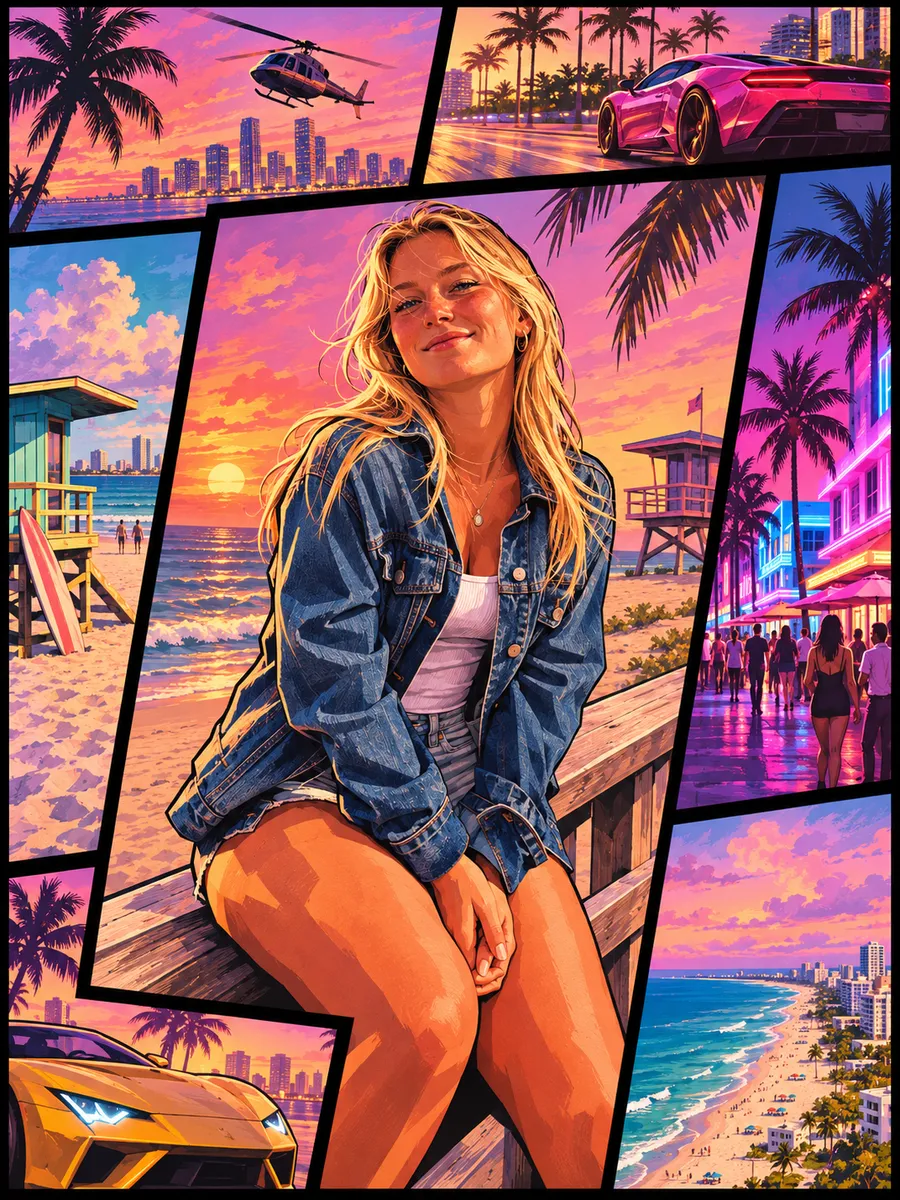 After
How it works
A selfie or any photo with a clear face. Group shots and pets work too.
Loading Screen, Cover Art, Vice City Neon, Leonida Beach or 5-Star Wanted. Add optional details like a car or outfit.
Save the HD image, or send it to the GTA 6 video generator to get a 5–10 second trailer-style clip.
Styles
Each style is tuned to match the painted look of GTA VI artwork — bold outlines, cel shading and that Leonida sunset palette.
The classic hand-painted GTA loading-screen portrait: bold ink outlines, cel shading and a Vice City sunset behind you.
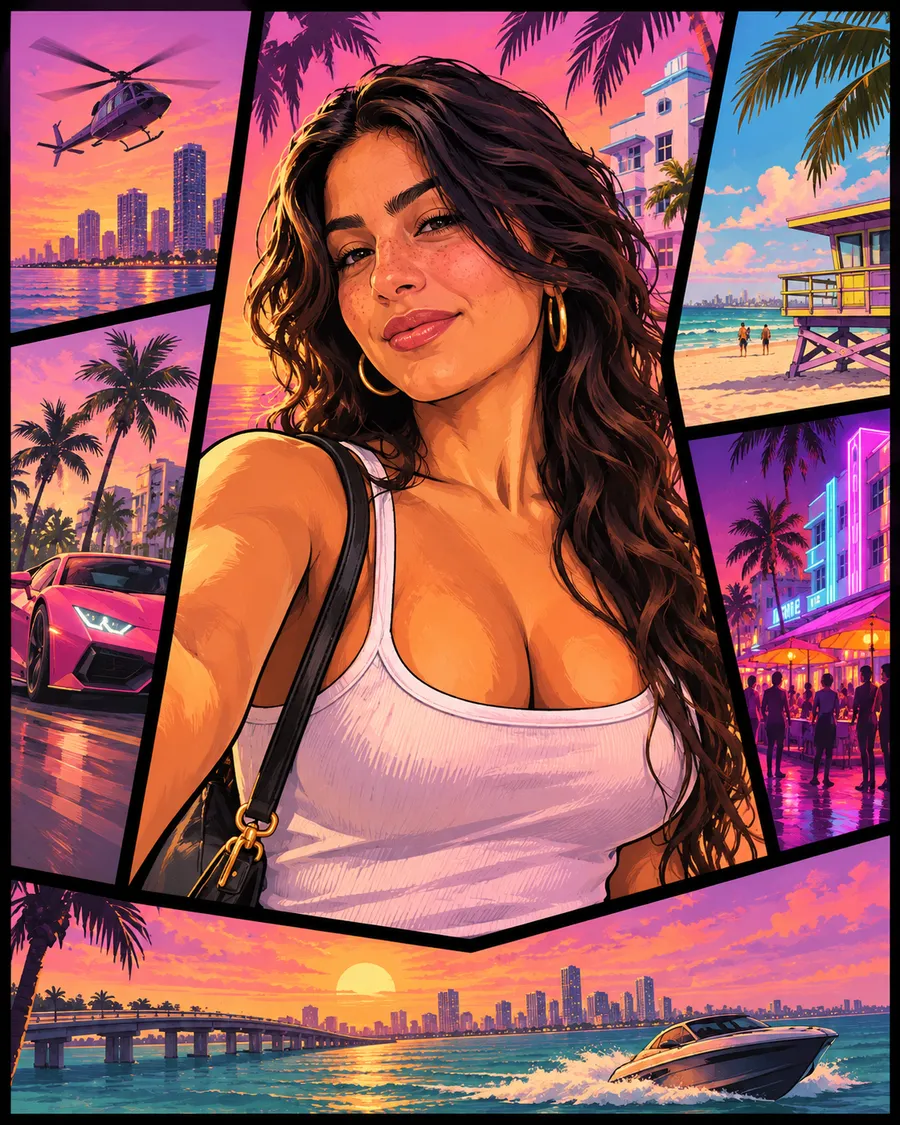
You as one tile of a GTA VI style multi-panel cover — perfect for a custom GTA 6 cover art or poster.
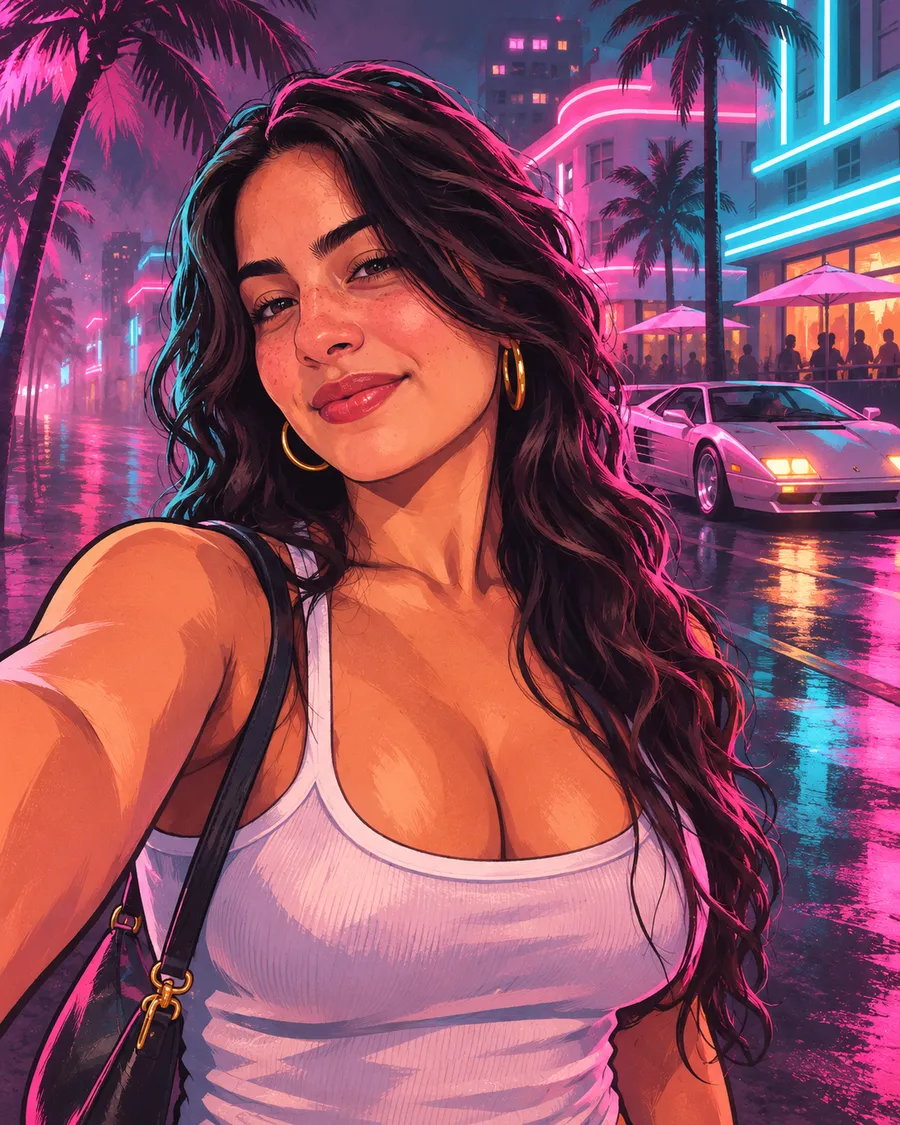
Night-time Vice City: neon pink and cyan signs, wet streets and an '80s sports car.
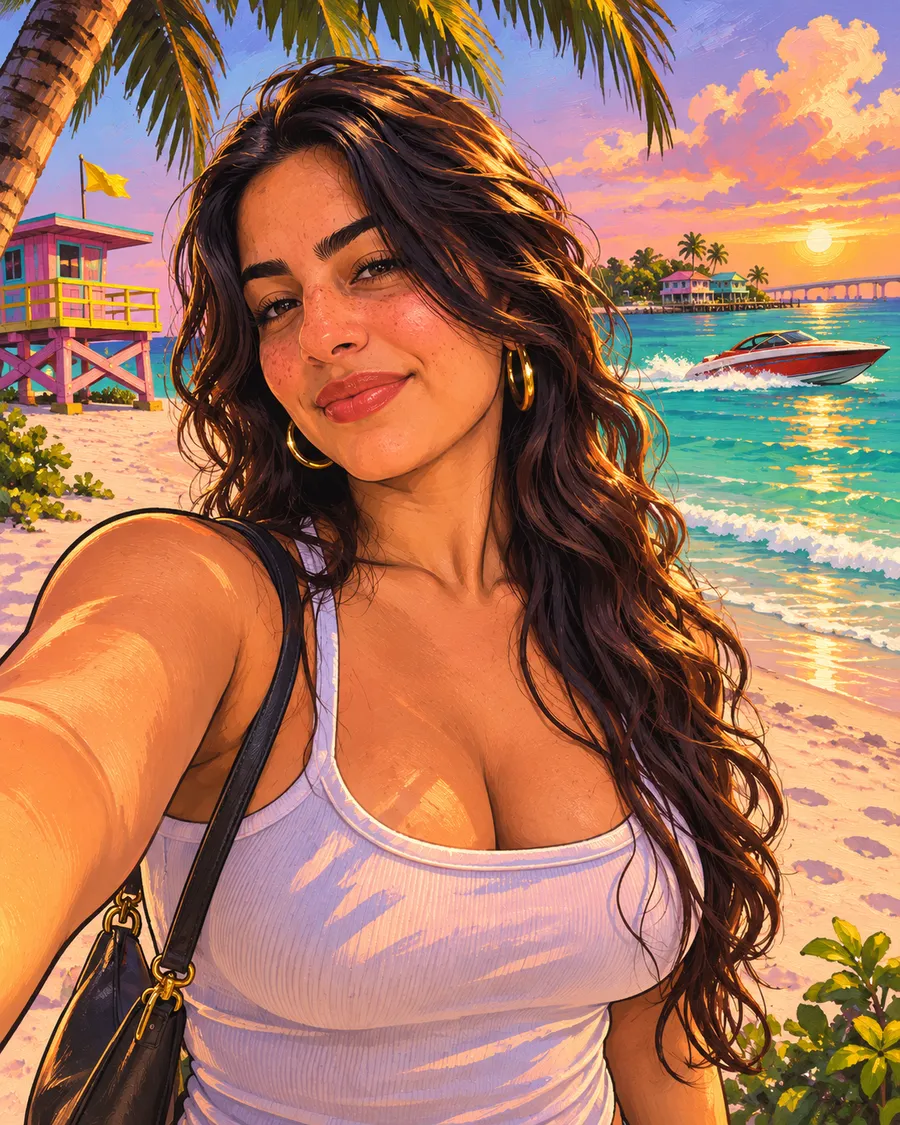
Sunny Leonida Keys: turquoise water, palm trees, speedboats and golden-hour light.
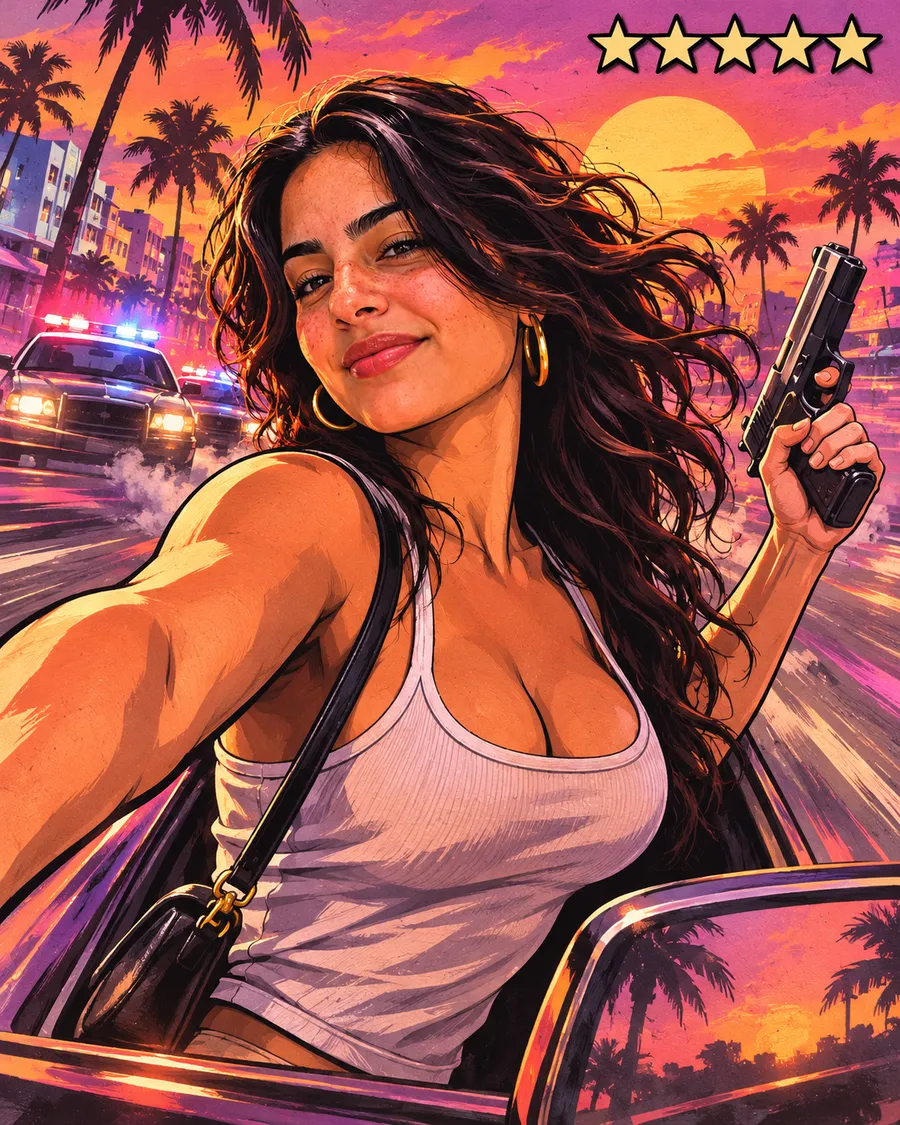
An action poster with police lights, motion streaks and a full five-star wanted level.
GTA 6 AI video
Our GTA 6 AI video generator animates your GTA artwork with Seedance 2.5: camera moves, slow motion, neon lights and generated sound — in 480p or 720p, 5 or 10 seconds.
A slow-motion GTA 6 trailer moment at sunset with a cinematic push-in.
Cruising a convertible down a neon ocean boulevard at dusk.
Sirens flash behind you as you run toward camera — pure GTA energy.
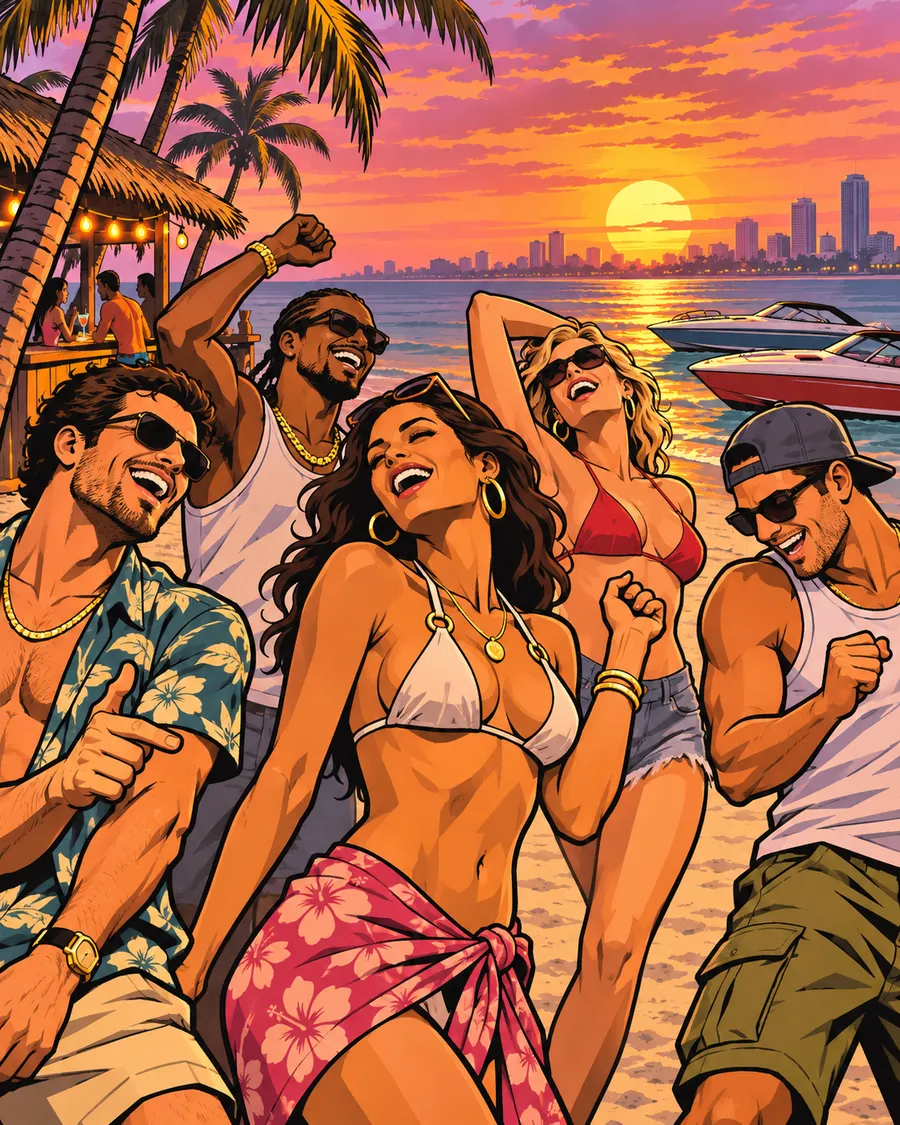
A golden-hour Leonida beach montage with friends and speedboats.
Use cases
Stand out on Discord, X, Instagram and Steam with a GTA VI style avatar.
Put yourself on a GTA VI style cover or poster for prints, gifts and launch parties.
Post a before/after or a trailer-style clip — the GTA filter trend keeps going.
Thumbnails, overlays and channel art in a look your audience instantly recognises.
A GTA 6 filter is an AI tool that redraws a normal photo in the visual style of Grand Theft Auto VI promotional art — the hand-painted loading-screen look with thick ink outlines, cel-shaded skin and saturated Vice City sunset colors.
GTA6Filter.com does this with image models (Nano Banana 2 and GPT Image 2) that keep your face, hair and outfit recognisable, and with Seedance 2.5 for GTA 6 style AI videos. It runs in the browser on any phone or computer; there is nothing to install.
FAQ
Yes, you can try it free. Every new account gets free credits — enough for several GTA 6 images. After that, credit packs and monthly plans start at a few dollars.
Upload a photo above, pick a GTA VI style (for example Loading Screen or Cover Art), and press “Apply GTA 6 filter”. Your GTA-style image is ready in about 20–60 seconds.
Yes. Switch to the “GTA 6 Video” tab, upload a photo or pick one of your GTA images, choose a scene such as Trailer Shot or Night Cruise, and get a 5 or 10 second clip with sound in 1–3 minutes.
Yes — choose the Cover Art or 5-Star Wanted style. Use 3:4 or 9:16 for a box-art or poster layout and the 2K option for print-quality detail.
Images are generated with Google Nano Banana 2 or OpenAI GPT Image 2 (you can switch between them). Videos use ByteDance Seedance 2.5.
Yes. The filter is instructed to keep your face, hair, outfit and pose. A clear, well-lit, front-facing photo gives the closest likeness.
You own what you generate and can use it for personal and social posts. Because the look references a commercial game, avoid using real GTA or Rockstar logos and don't present your work as official artwork.
Uploads are only used to make your images and videos. Your creations are visible only in your account unless you share them.
No. GTA6Filter.com is an independent fan-made AI tool and is not affiliated with or endorsed by Rockstar Games or Take-Two Interactive.
Upload one photo. Get GTA 6 art and video in a minute.
Try the GTA 6 filterGTA6Filter.com is an independent fan tool and is not affiliated with, endorsed by, or sponsored by Rockstar Games or Take-Two Interactive. Grand Theft Auto, GTA and GTA VI are trademarks of their respective owners.